
• Web Development
  • Mobile Apps
  • Branding
  • SEO
  • UI/UX
  • Consulting
  • Policies
  • Support
  • About Us
  • Our Work
Web Development
  • Overview
  • E-commerce Shop
  • Education LMS
  • Freelance Platform
  • Job Board
  • Healthcare Platforms
  • Bookings & Rentals
  • Cryptocurrencies
  • Logistics & Shipping

Launch-ready interface design for startups that need to ship fast without sacrificing quality

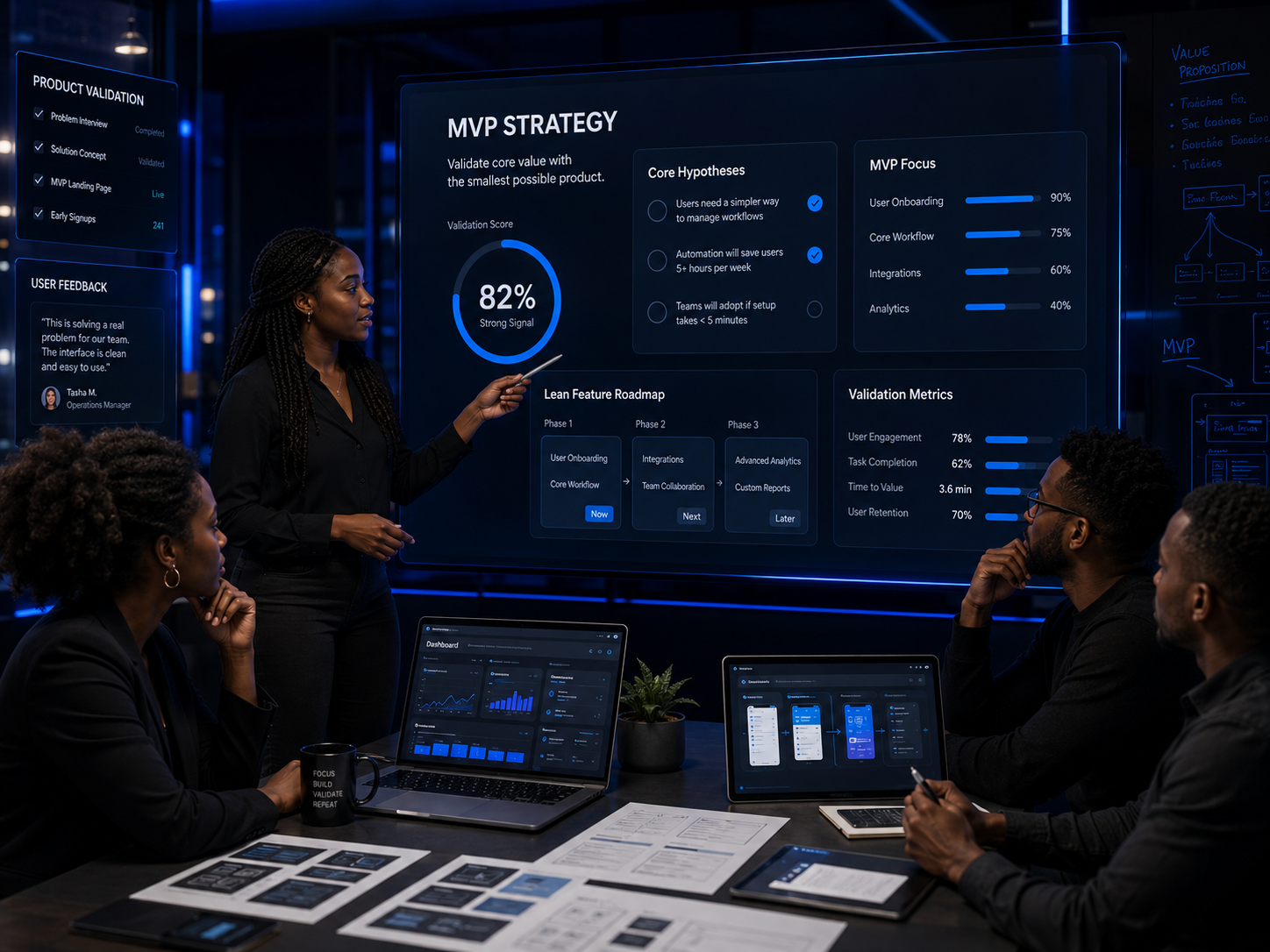
MVP UI/UX delivers complete interface design for your minimum viable product. Every screen, every state, every interaction designed to validate your concept with real users while looking professional enough to attract early adopters and impress investors. Ship faster. Learn sooner. Build on a foundation that scales.

The Problem

You Cannot Launch Without an Interface. You Cannot Spend Forever Designing One.

You need to get to market. Investors want to see something real. Early users need something functional. But designing a product interface that is usable, professional, and development-ready takes time and expertise you may not have in-house. If you rush design, users will reject the product before experiencing the value. If you over-design, you will burn runway on features nobody has validated. MVP UI/UX gives you the right amount of design for this stage: enough to launch with confidence, lean enough to iterate fast, and structured enough to scale when you are ready.

Pain Points

01

You Have a Validated Concept but No Interface

The UX Discovery Sprint confirmed what to build. Or your own research validated the demand. But between a validated concept and a launch-ready product sits a gap that wireframes on paper cannot fill.

02

Your Developers Are Waiting on Design Decisions

Development velocity stalls when engineers have to guess at layouts, interactions, and edge cases. Without complete screen designs and specifications, every sprint becomes a design debate instead of a development sprint.

03

You Are Stuck Choosing Between Speed and Quality

You can launch fast with a generic template that makes your product look like everyone else. Or you can spend months on custom design while competitors capture your market. Neither option feels right.

04

Your First Users Will Judge the Experience Immediately

Early adopters are forgiving of limited features but ruthless about poor experience. If your MVP is confusing, slow to navigate, or visually unprofessional, they will not return for the improved version.

Our Solution

Complete Interface Design for a Product Ready to Launch and Learn

MVP UI/UX delivers every screen, state, and interaction your developers need to build a launch-ready product. You get a professional interface designed for real users, structured for development speed, and built on a design system that scales when your product grows beyond the MVP.

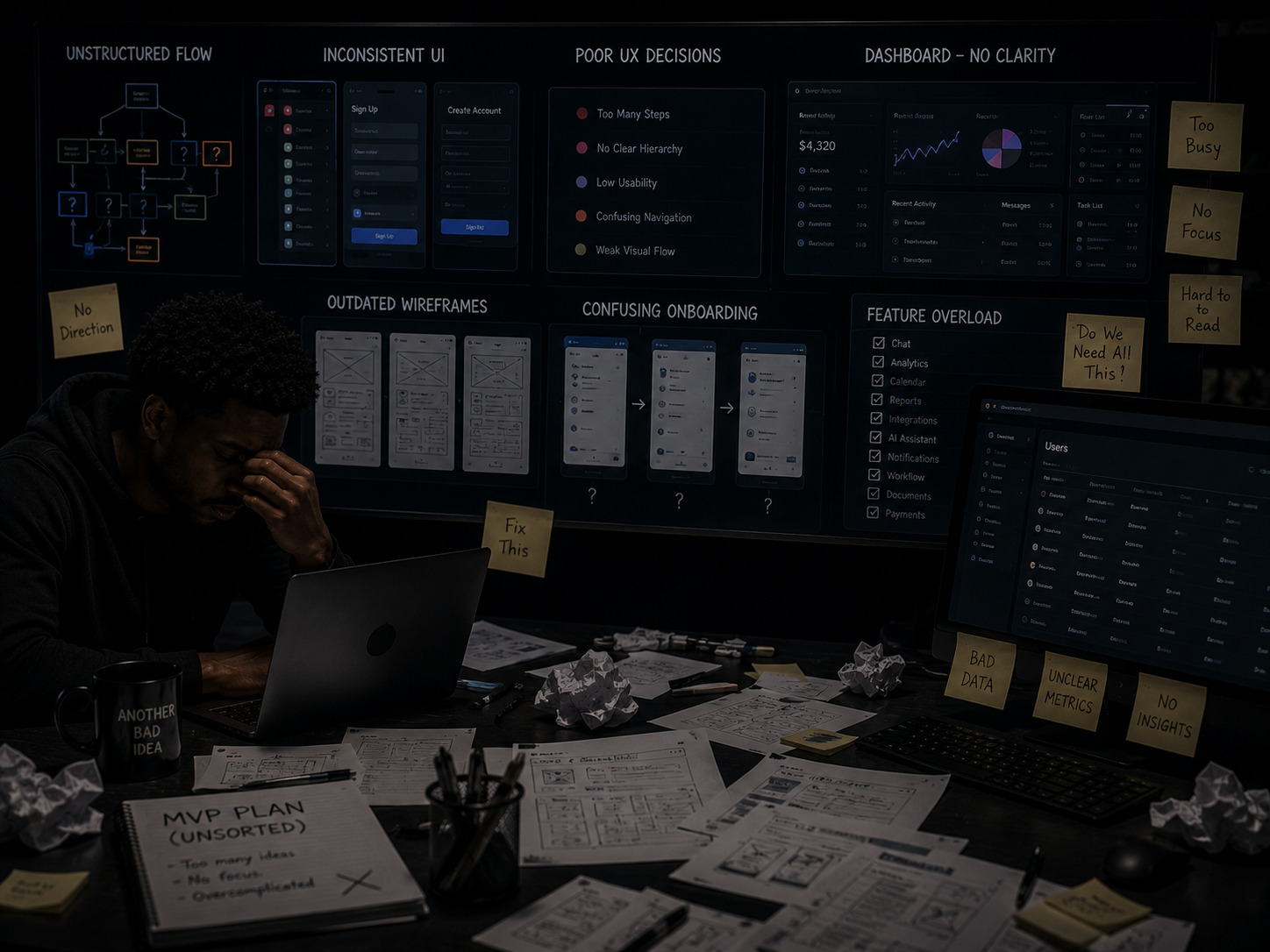
Before MVP UI/UX showing concept without interface design
Before

Validated Concept, No Interface, Developers Waiting

  • Product direction confirmed but screens not designed
  • Developers making UX decisions during sprints
  • No design system or reusable components
  • Racing competitors with a rough prototype
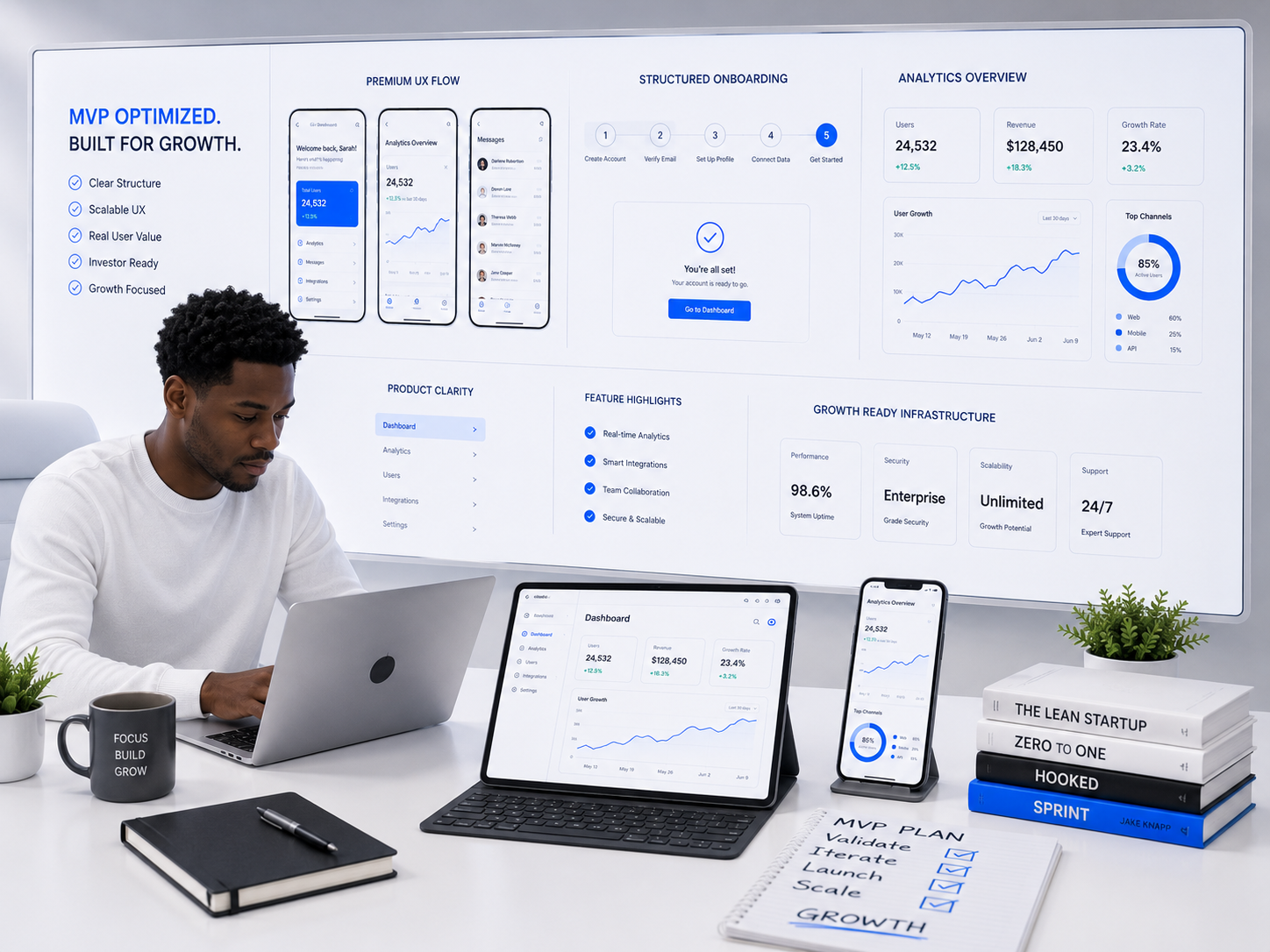
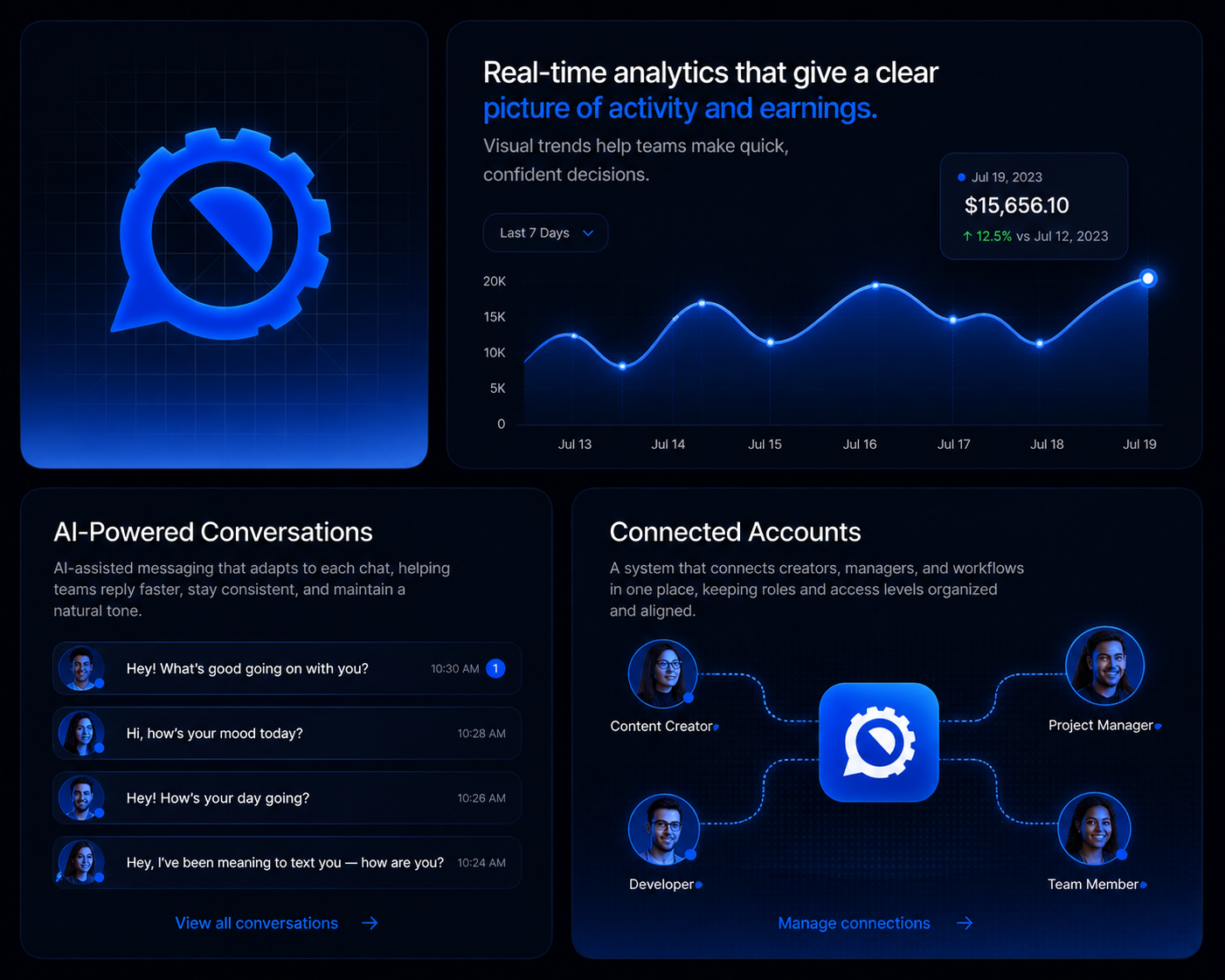
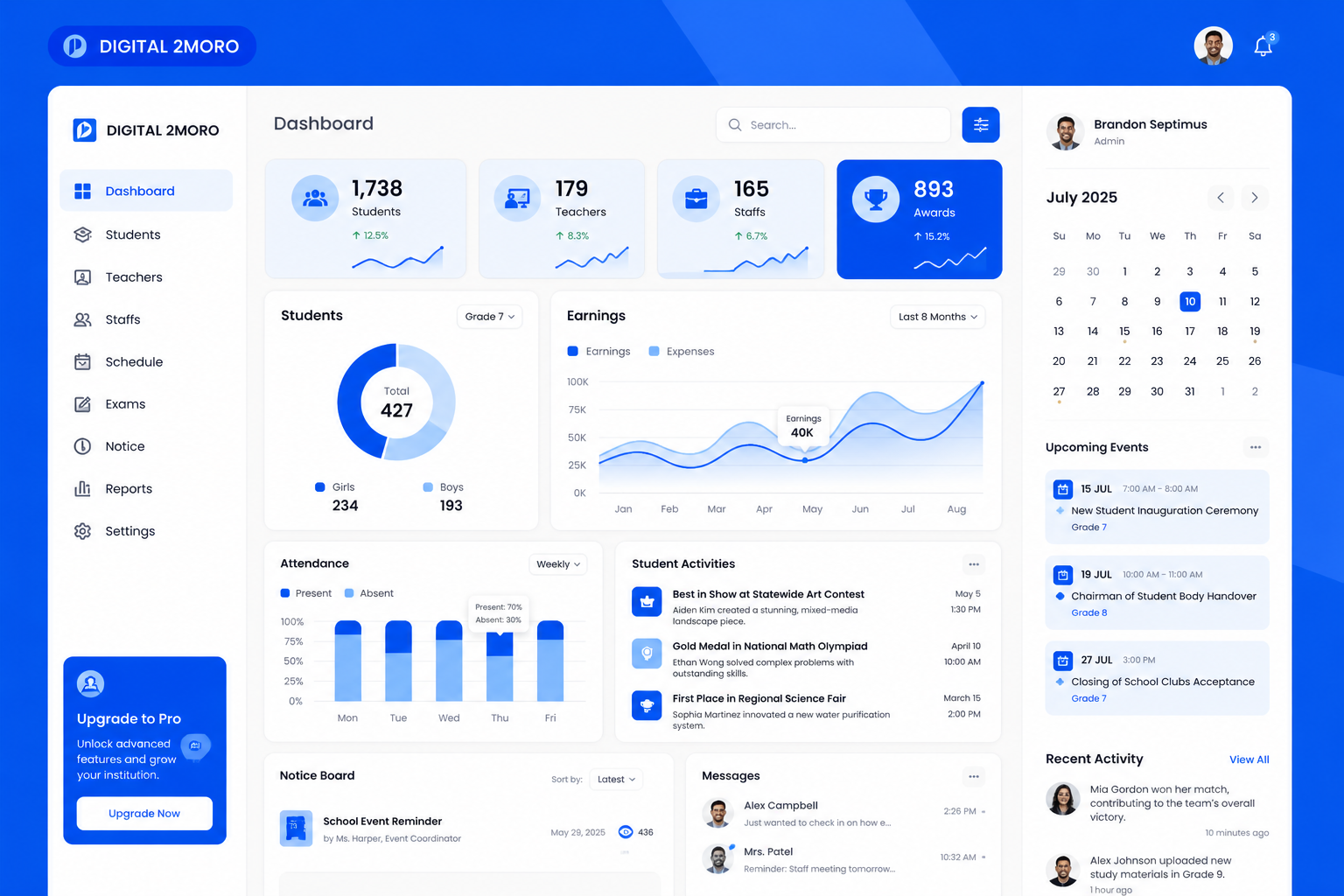
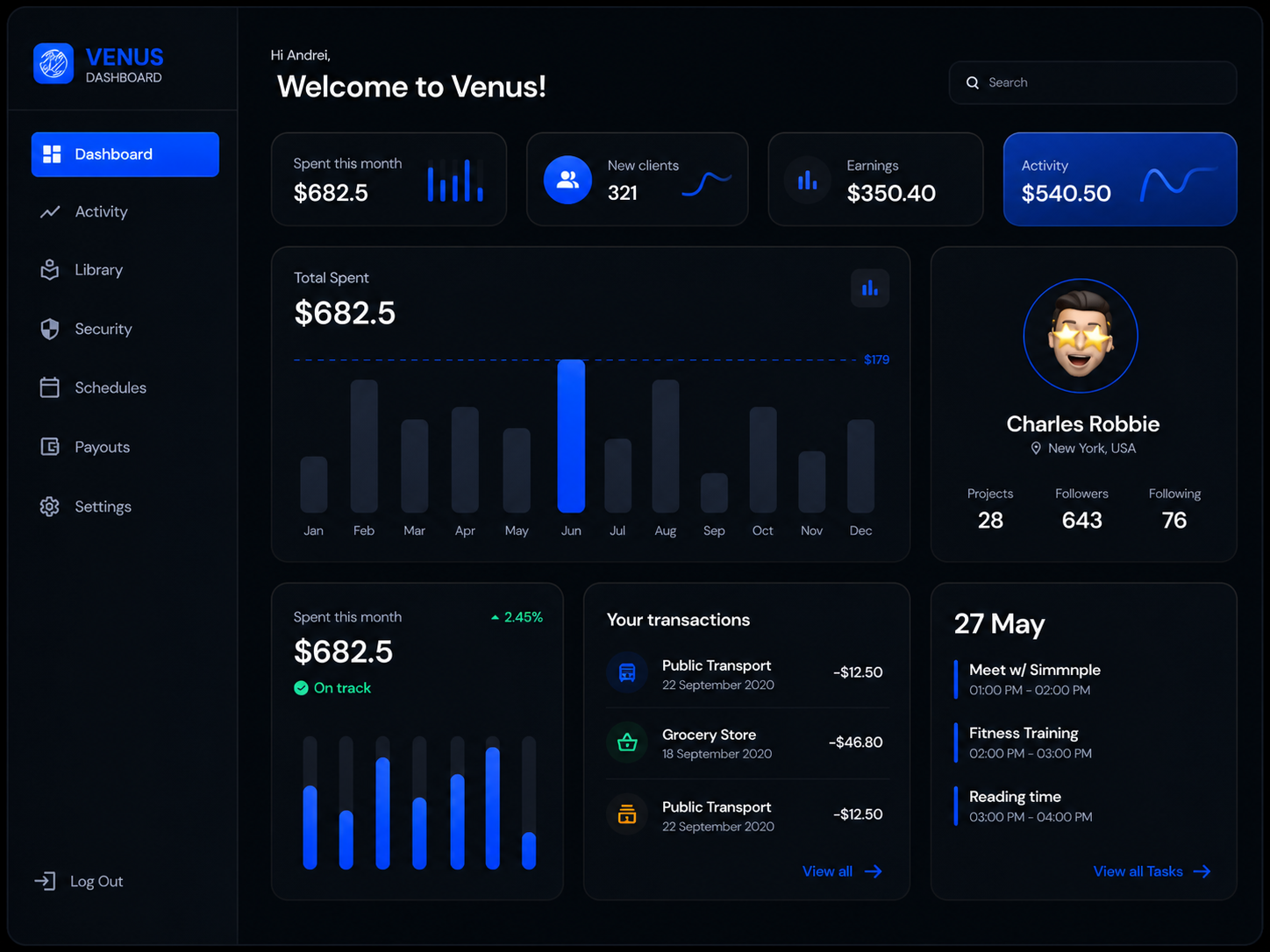
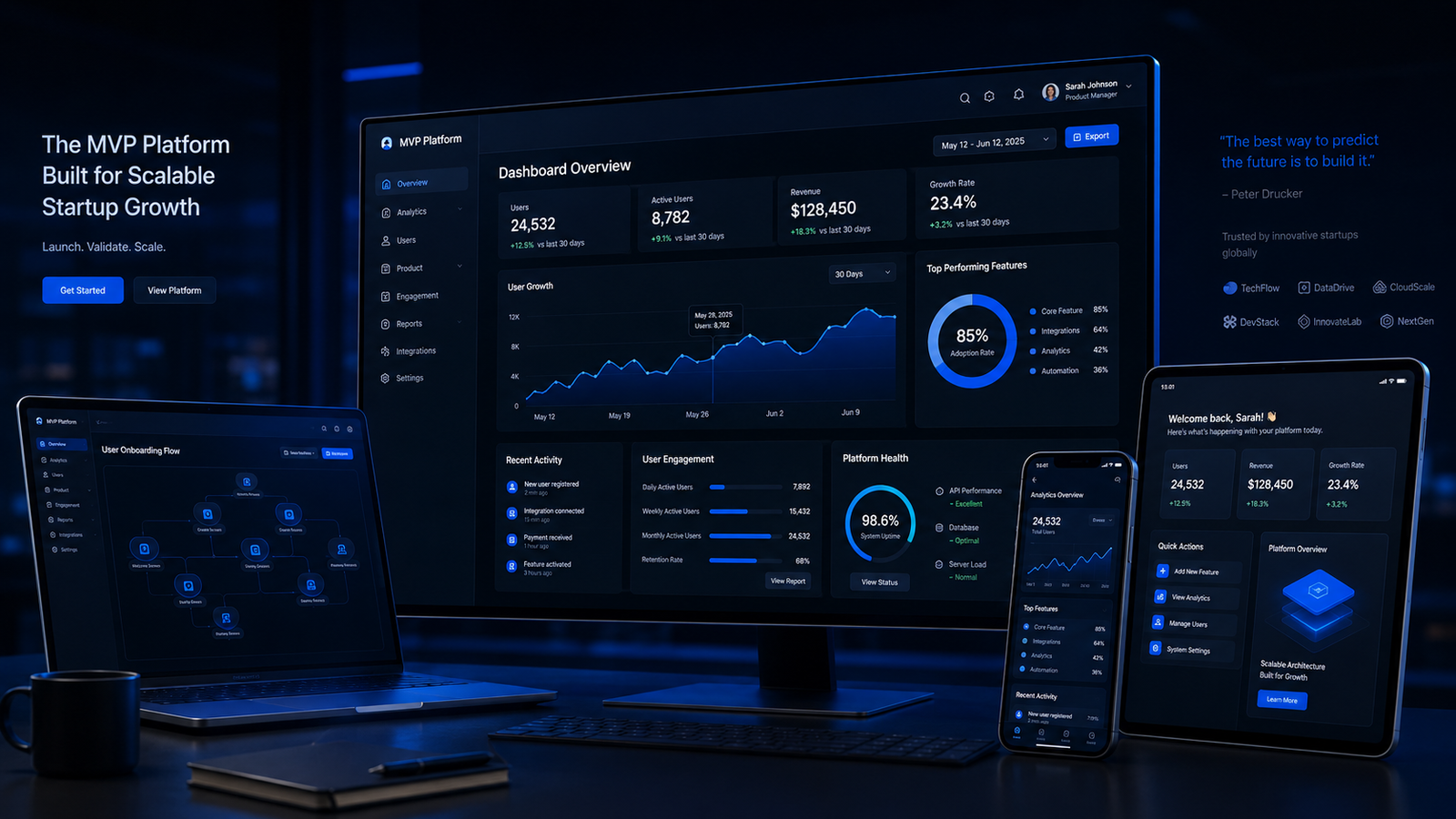
After MVP UI/UX showing complete launch-ready interface designs
After

Designed, Specified, and Ready for Development

  • Every screen designed and mapped to user flows
  • Developers build from clear specifications
  • Component library ready for reuse and scale
  • Launch with a professional product that attracts users

Development Ready

Your engineering team receives complete designs with specifications, not vague ideas to interpret.

Professional First Impression

Early adopters and investors see a polished product that communicates seriousness and quality.

Fast Iteration After Launch

A component-based design system means updates post-MVP are fast and consistent.

Scalable Foundation

The design is built to expand. Add features without redesigning the core experience.

Deliverables

What You Actually Get

Complete MVP interface design with every screen, user flow, and design specification your developers need to build the product.

01

Complete Screen Designs

Every screen your users will see, designed for clarity and conversion at every step.

02

Interactive Prototype

A clickable version of your product you can test and present before any code is written.

03

User Flow Documentation

How users move through every task, mapped so developers understand the complete journey.

04

Design System Foundation

Reusable components and style rules that speed up development and keep the product consistent.

05

Responsive Design Specifications

How every screen behaves on every device so your product works wherever users find it.

06

Interaction & Animation Guide

How the product moves and responds so it feels polished rather than static.

07

Developer Handoff Package

Every specification your engineering team needs to build the designs exactly as intended.

08

MVP Design Documentation

The rationale behind every design decision so your team understands the why, not just the what.

Our Approach

MVP UI/UX Process

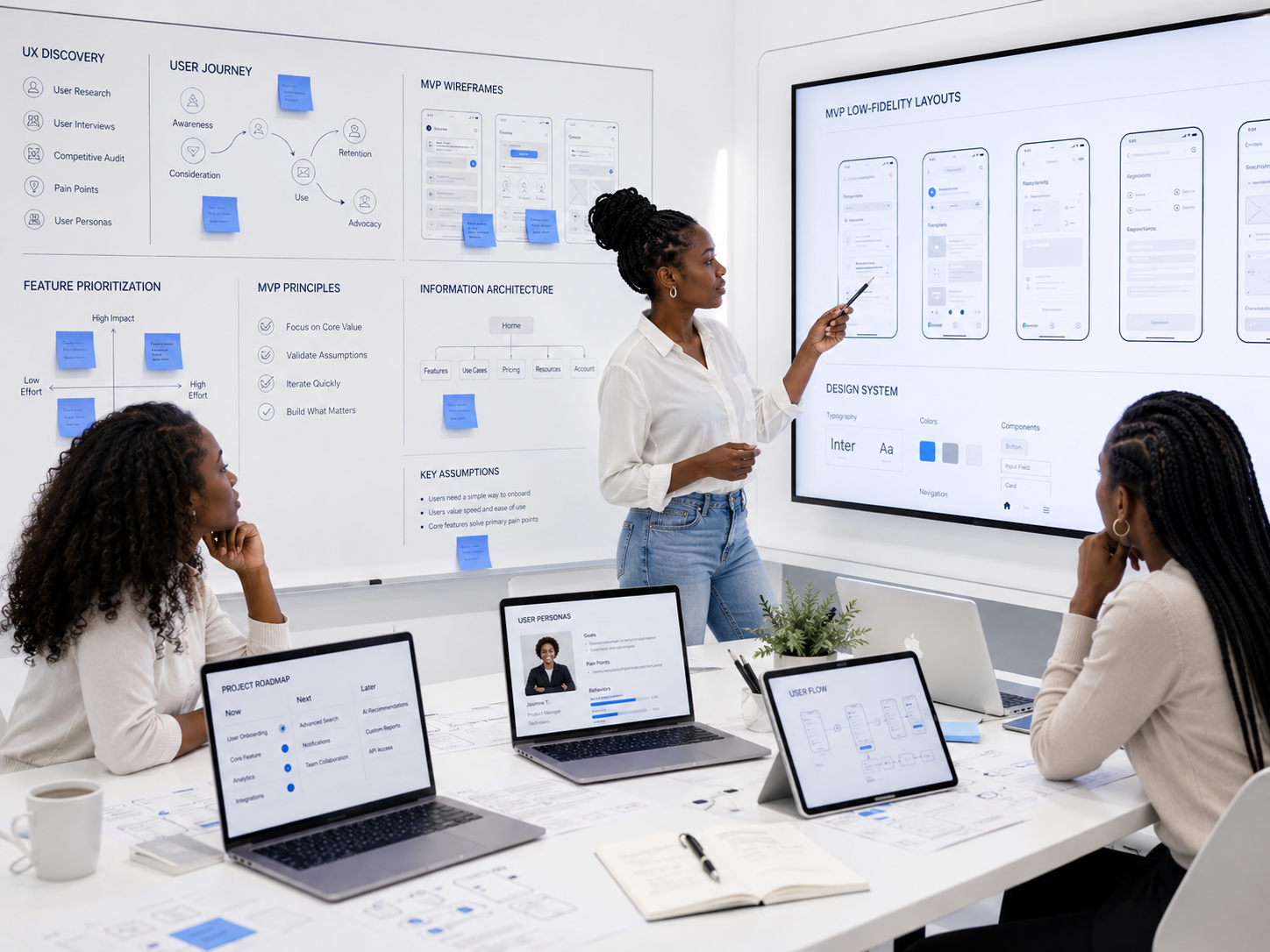
A lean design methodology that moves from concept to development-ready screens in structured sprints without sacrificing quality or wasting time.

Phase 1, UX Foundation

1 / 6

We establish the UX structure that will guide all design decisions, building on validated research or conducting lightweight discovery to fill gaps.

Information Architecture

Structuring content and features into a logical hierarchy that matches how users think and search for information.

User Flow Mapping

Defining the primary paths users take to accomplish their core tasks from entry point to successful completion.

MVP Feature Scoping

Defining exactly which features belong in the MVP based on user value, business priorities, and development constraints.

Design Principles Alignment

Establishing the UX principles that will guide every screen design decision throughout the project.

Key Milestones

  • Information architecture defined
  • User flows mapped
  • MVP features scoped
  • Design principles established

Phase 2, Core Flow Design

2 / 6

We wireframe every core user flow to validate layout, navigation, and interaction logic before investing in visual design.

Low-Fidelity Wireframes

Quick structural layouts for every key screen showing content hierarchy, navigation placement, and functional elements.

Interaction Mapping

Defining what happens when users tap, click, swipe, or scroll at every interaction point across the product.

State Definition

Mapping every state each screen needs: default, empty, loading, error, success, and edge cases for all user scenarios.

Stakeholder Review

Reviewing wireframes with your team to confirm the structure and flows before visual design investment begins.

Key Milestones

  • Wireframes completed for all core flows
  • Interactions defined
  • Screen states documented
  • Stakeholder alignment achieved

Phase 3, Visual Design System

3 / 6

We create the visual language and component library that will give your MVP a professional, consistent look while speeding up both design and development.

Style Guide Creation

Defining the color system, typography scale, spacing rules, iconography, and visual language that unifies the product.

Component Library Setup

Building reusable UI components like buttons, inputs, cards, and navigation that create consistency and speed development.

Responsive Framework

Establishing the grid system and breakpoint behavior that will govern how the product adapts across all device sizes.

Visual Direction Approval

Presenting the visual system for your feedback and approval before applying it to all screens.

Key Milestones

  • Style guide completed
  • Component library built
  • Responsive framework established
  • Visual direction approved

Phase 4, High-Fidelity Screen Design

4 / 6

We design every screen in high fidelity with the approved visual system applied to every state, variation, and breakpoint.

Screen Production

Designing every screen in the MVP at high fidelity with the visual system applied consistently across the entire product.

Responsive Variations

Creating designs for mobile, tablet, and desktop versions of every screen with appropriate layout adaptations.

Edge State Design

Designing every state for every screen including empty states, error messages, loading indicators, and confirmation dialogs.

Visual Refinement

Polishing spacing, alignment, typography rhythm, and visual hierarchy across all screens for a professional finish.

Key Milestones

  • All screens designed in high fidelity
  • Responsive variations completed
  • Edge states covered
  • Visual refinement applied

Phase 5, Prototyping & Validation

5 / 6

We build an interactive prototype and validate the designs to catch issues before they become expensive development changes.

Interactive Prototype Creation

Linking all screens into a clickable prototype that simulates the real product experience for testing and presentation.

Usability Validation

Testing the prototype with representative users to identify any navigation issues or interaction problems before development.

Design Iteration

Refining screens and interactions based on prototype testing feedback and stakeholder review observations.

Final Design Sign-Off

Formal approval of all screens, flows, and interactions confirming the designs are ready for development.

Key Milestones

  • Interactive prototype completed
  • Usability validation conducted
  • Design iterations applied
  • Final design sign-off achieved

Phase 6, Developer Handoff

6 / 6

We prepare and deliver everything your development team needs to build the product exactly as designed, with no ambiguity.

Design Specifications

Complete redlines, spacing tokens, color values, and typography specs for every component and screen in the product.

Asset Export Package

All icons, images, and graphical assets exported in the formats and resolutions your development platform requires.

Developer Walkthrough Session

Live session with your engineering team to walk through all designs, answer questions, and ensure complete understanding.

Development Support Window

30 days of design support during development to answer questions and resolve any implementation issues that arise.

Key Milestones

  • Design specifications delivered
  • Assets exported
  • Developer walkthrough completed
  • Development support window active

Featured Projects

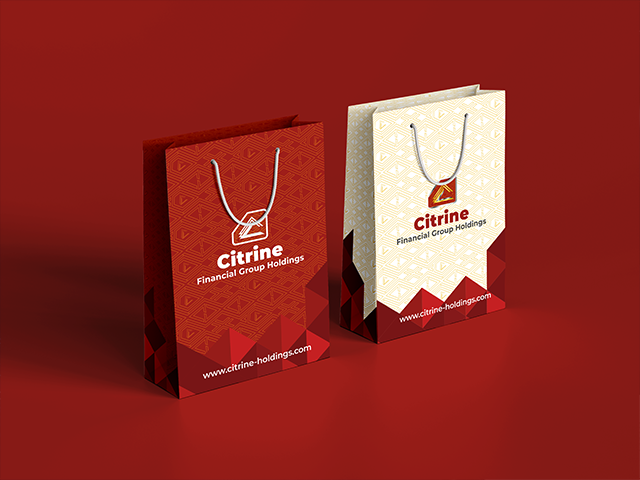
Workdone: A unified brand and digital foundation for a multi-subsidiary Pan-African financial group building institutional credibility across emerging African markets.

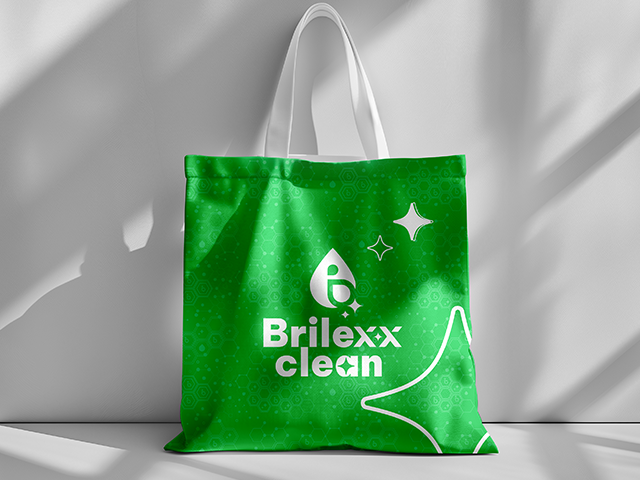
Workdone: A complete brand and business foundation preparing a cleaning startup for market entry and investment readiness.

Frequently Asked Questions

No questions found

Try adjusting your search term.

Ready to Ship?

Get a Launch-Ready Product Designed for Users and Built for Developers

Every week your product spends without an interface is a week your competitors are capturing your market. Get complete MVP designs that your developers can build immediately and your users will love from the first interaction.

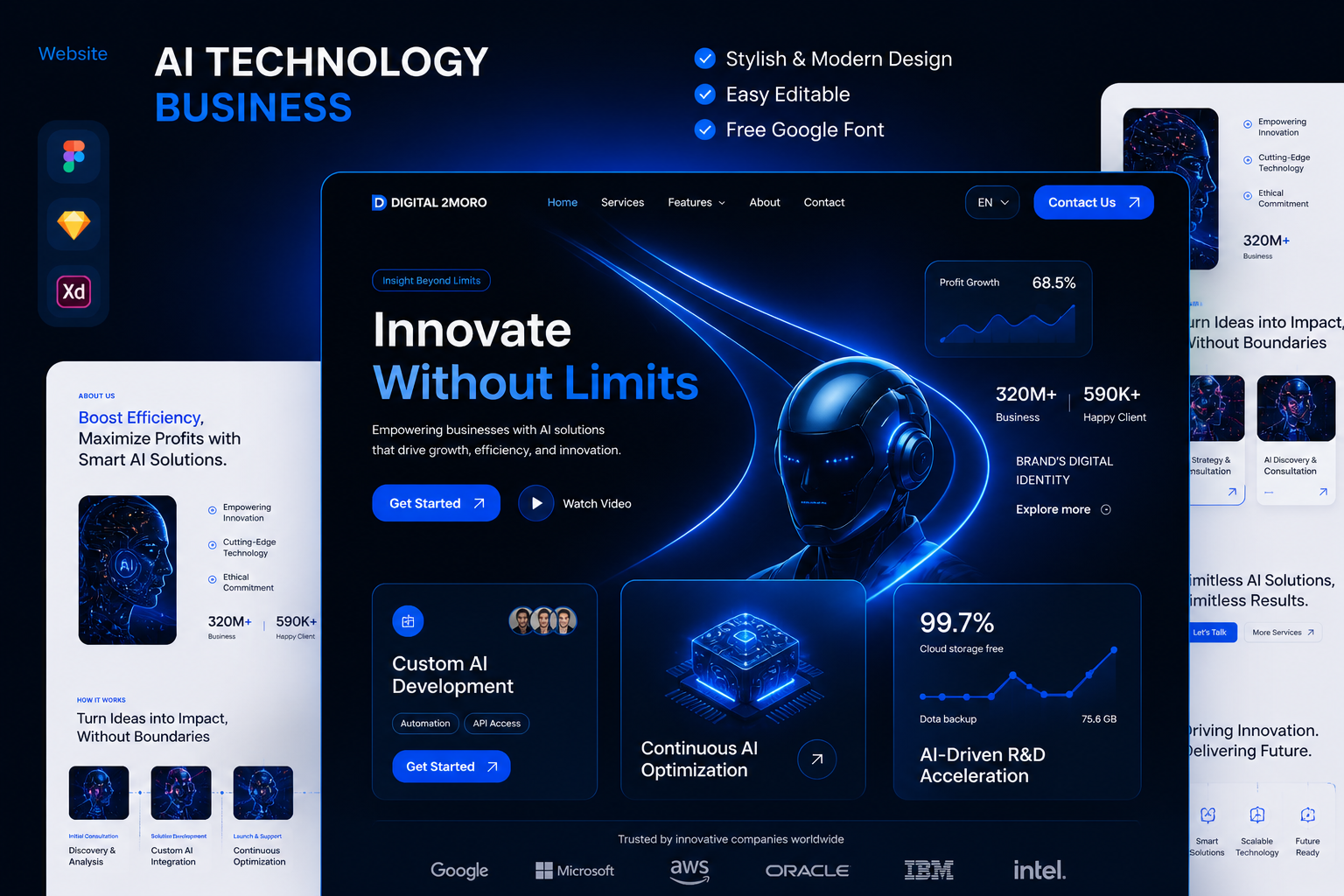
MVP UI/UX complete interface designs ready for development preview
Logo